XCP-ng: Evolution of Lab V2.0 - Deployment of HA and resilience testing
- Latest article in the series: enabling HA on the XCP-ng pool.
- Creating a dedicated storage repository for HA, then enabling it at the pool level and then per VM within Xen Orchestra.
- Resilience tests: loss of the master and XOSTOR controller.
- Overview of the Vates platform (XCP-ng, Xen Orchestra, XOSTOR) for a home lab.
Introduction
This article concludes the cookbook designed to present and describe the evolution of my homelab within the French Vates ecosystem.
This is an opportunity for me to highlight the XCP-ng hypervisor and its management tool Xen Orchestra, as well as the XOSTOR storage replication solution integrated into the platform.
Here's a quick overview of the work done so far:
- To start, we introduced XCP-ng and defined the target architecture to be implemented.
- Next, we installed XCP-ng on the three physical servers selected, deploying a first VM using Rocky Linux 10.
- This virtual machine allowed us to install Xen Orchestra from source in order to have a centralized view of our hypervisors. This was an opportunity to create a pool grouping our three servers.
- Then, we focused on the network to prepare the various VLANs useful for my lab, as well as the storage network dedicated to data replication and VM migration.
- Next, it was the turn of the storage to be implemented with the configuration of XOSTOR and the establishment of a shared Storage Repository within the pool, taking advantage of the remaining disk space on each server. We finished by migrating a test VM, while it was running, between the different nodes of the pool.
Everything is in place to deploy the HA features of the cluster and to achieve the goal of obtaining a resilient virtualization platform, which could be a credible alternative to VMware.
Important reminders
Before diving into the details, it is important to recall some fundamental elements.
- The pool master: Among the three servers that make up the pool, only one is designated as the master. This server holds the reference configuration regarding the status of the pool and the VMs attached to it. Any command issued, even from other nodes, is sent to the master for recording in its database. The other servers simply replicate this information. The master also communicates with Xen Orchestra. If the master fails, the remaining servers in the pool enter an election phase to choose a new master. This new master restarts using a copy of the configuration database it has available to resume the role of the server that experienced the failure. If the original server recovers, it does not become the master again but resumes its place within the pool, acting as a regular server.
- The primary XOSTOR controller: Again, among the three servers, one acts as the controller for managing block replication between nodes. This server orchestrates and distributes configurations. Similar to the pool master, if the controller is lost, the remaining servers agree on electing a new one, thus resuming overall replication management.
The pool master and the XOSTOR controller are two distinct roles that can be assigned to different servers in the group. It is even possible for the same server to be both the primary server of the pool and the primary XOSTOR controller. In all cases, a minimum of three servers is required to establish a resilient architecture, and in this case, the maximum acceptable loss of a node is one.
This is what we are going to test here, but before that, let's finish configuring everything so that it works correctly.
Creating the storage repository for HA
Creating an XCP-ng pool and adding the three servers to it does not automatically enable high availability (HA). This is an advanced feature of the pool that needs to be activated.
However, for this configuration to be possible, a reference SR (Storage Repository) must be designated, accessible to all servers in the pool, which can serve as heartbeat storage.
Each server will write and read availability information on it, in addition to relying on the network available between them. This will allow nodes to identify their relative positions to each other and participate in HA processes.
We already have shared storage resources: the first is on NFS and is intended for hosting ISO files, and the second is the XOSTOR SR itself.
The first cannot be used because it is declared as being dedicated to ISOs. As for the second, although it can be used, it is not recommended. In fact, since it is associated with the XOSTOR mechanism, if a single server were to perform both the role of pool master and primary controller, the loss of the latter could disrupt HA. This is because the SR intended to serve as the decision-making resource for the pool's HA would itself be disrupted by the loss of the primary controller and involved in the data of VMs that could be affected.
Therefore, it is recommended to dedicate an SR to this purpose. No high performance is required; a simple NFS export on my NAS will suffice.
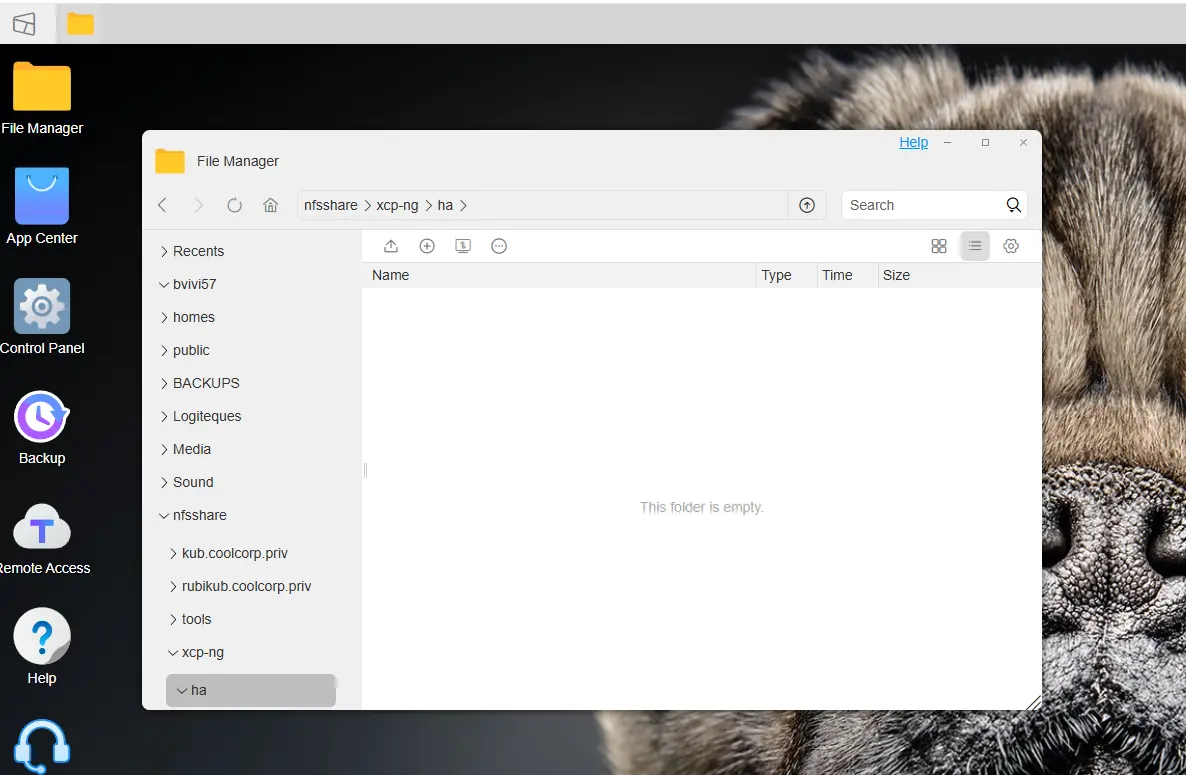
Click the image to enlarge.
In Xen Orchestra, you need to go to the appropriate menu, select the pool, and then add the NFS-type SR.
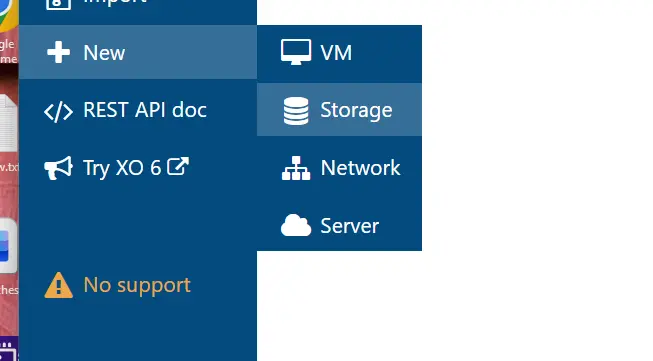
Click the image to enlarge.
You point to the network path of the volume, specify a subdirectory if needed, and then validate.
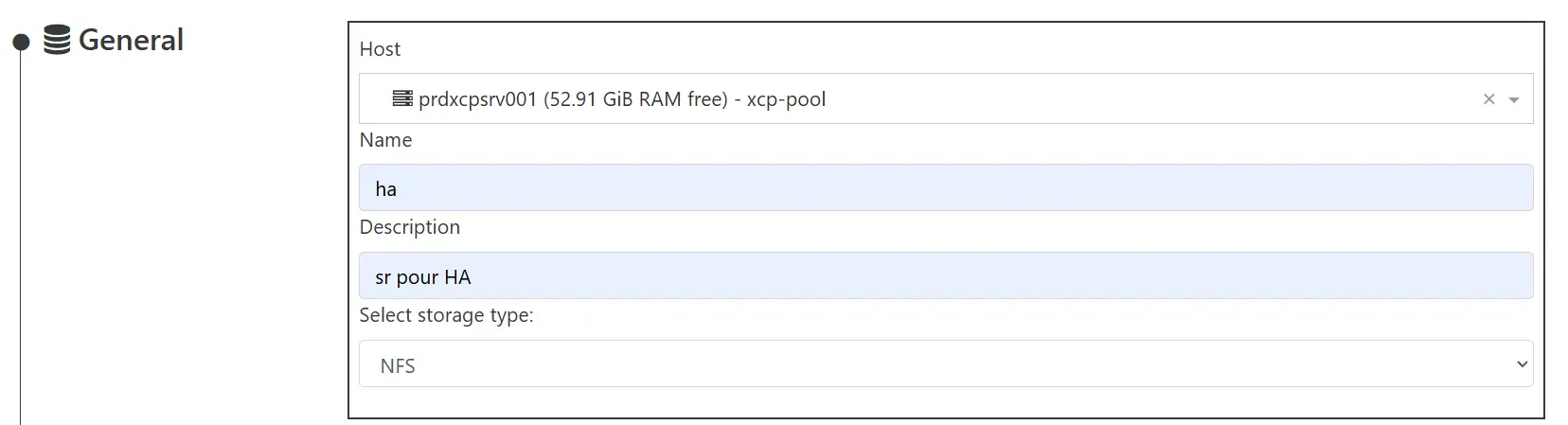
Click the image to enlarge.
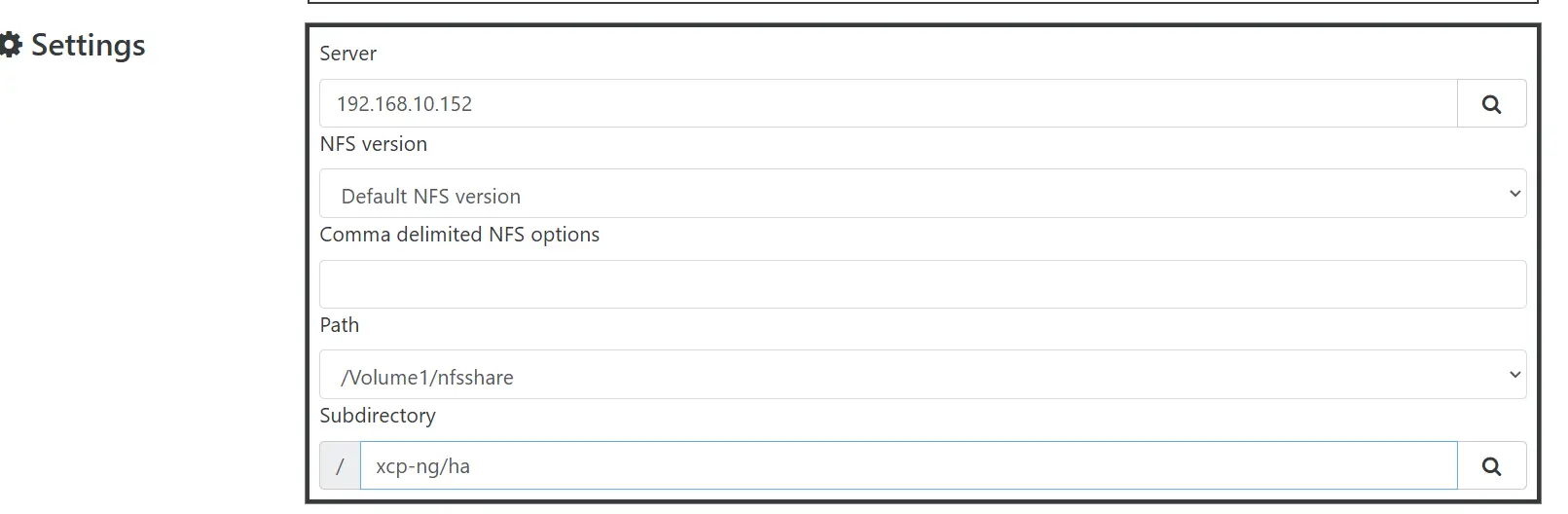
Click the image to enlarge.
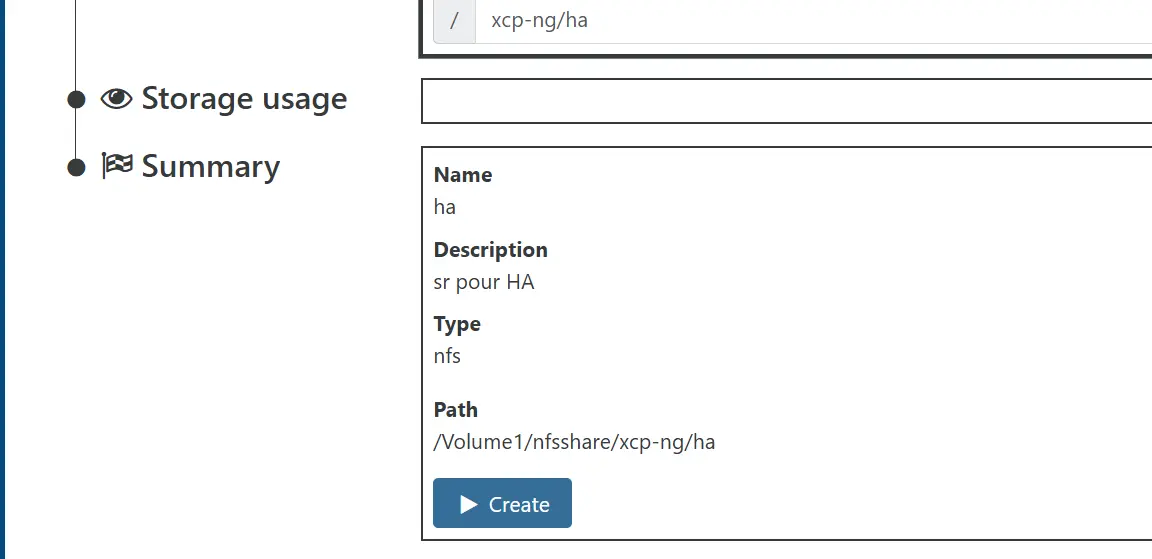
Click the image to enlarge.
Although we selected the first server as the connection source, because we went through the pool menu, all nodes are connected to this new SR.
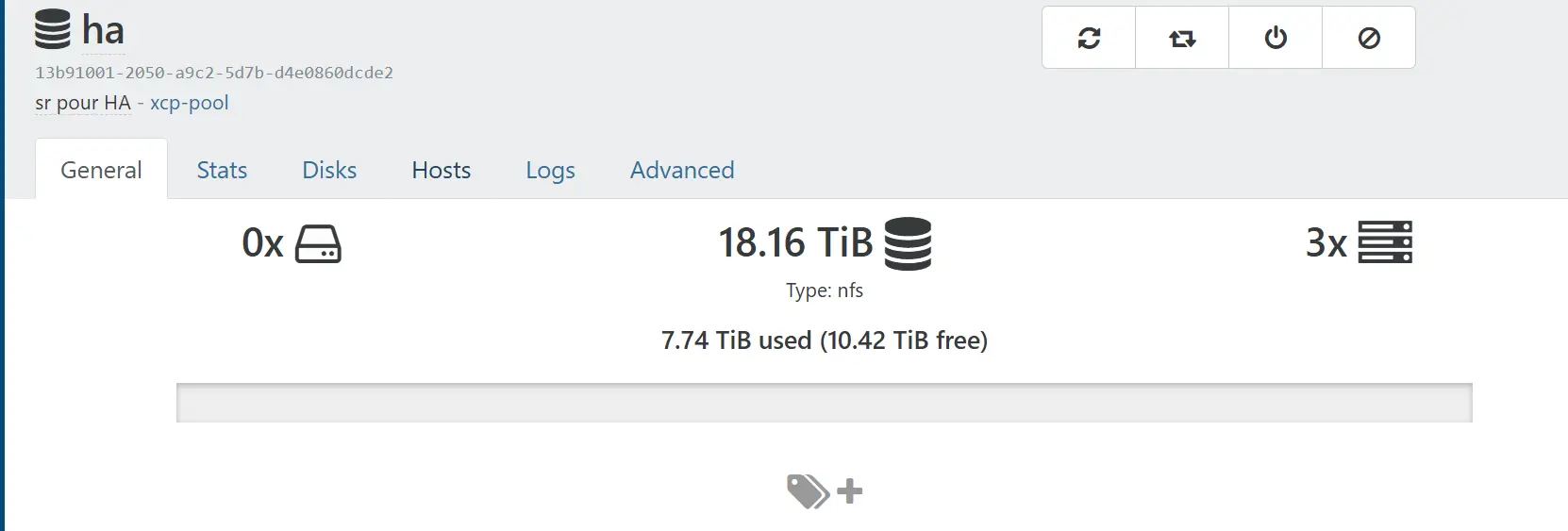
Click the image to enlarge.
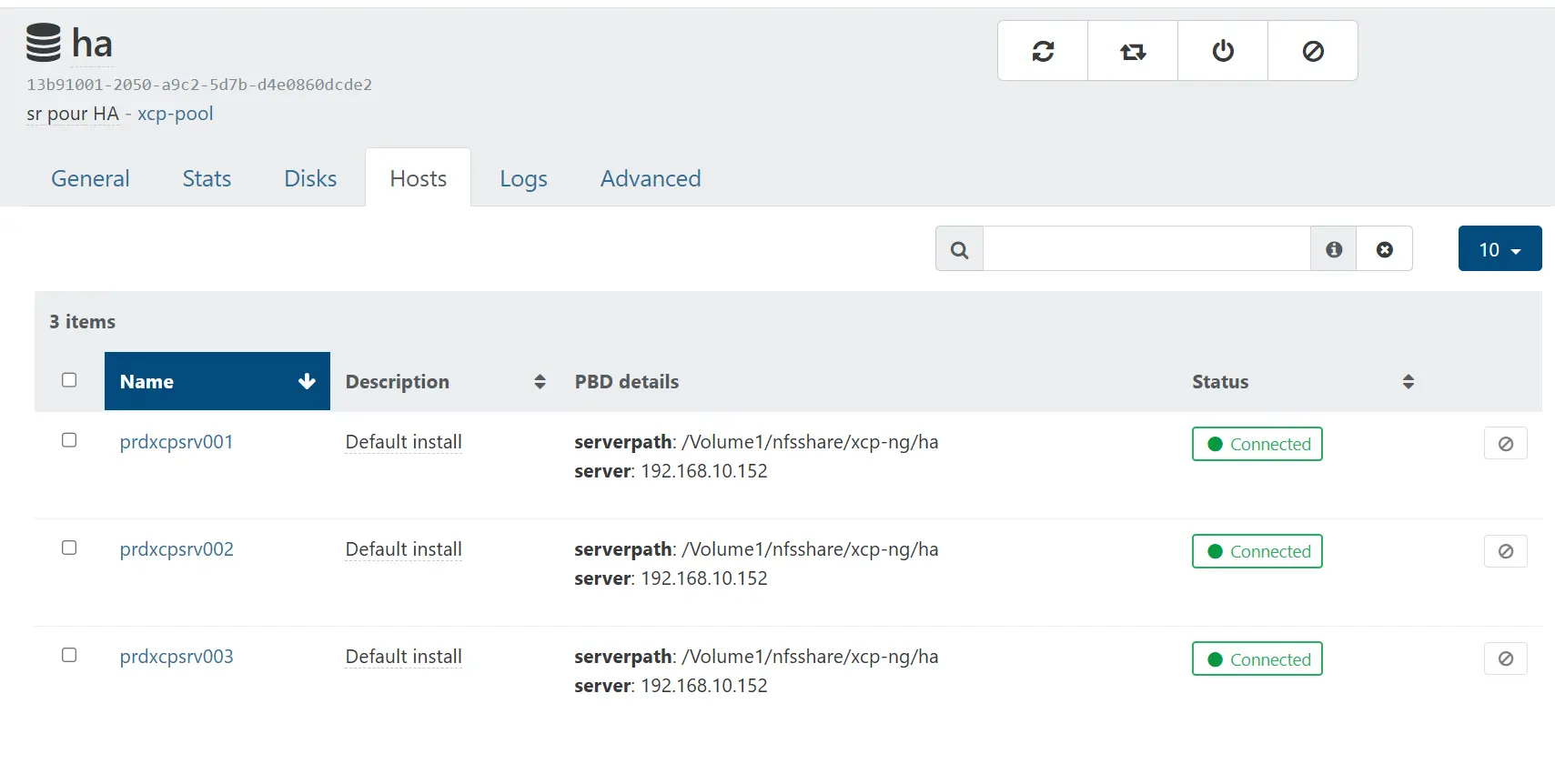
Click the image to enlarge.
I remind you that this is not intended for hosting VMs.
Enabling HA at the pool level
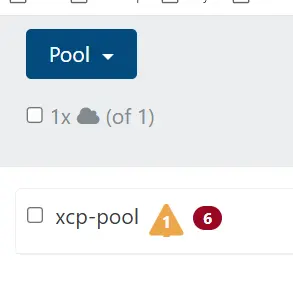
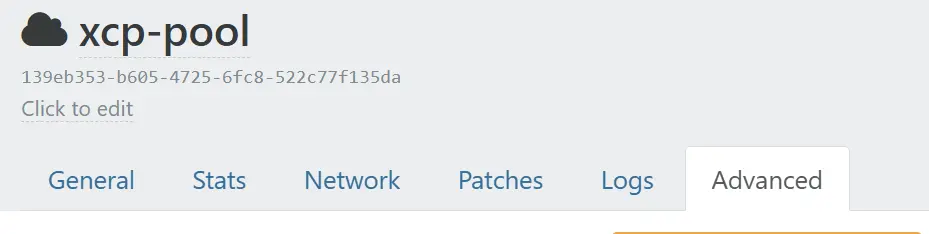
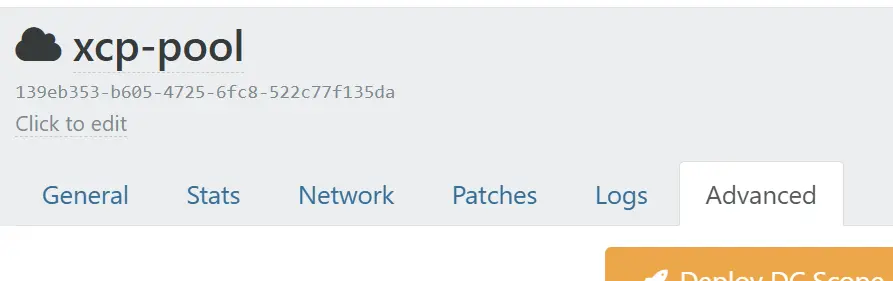
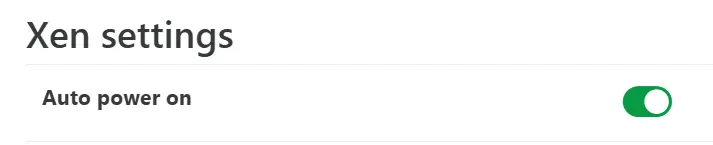
Now, you can go to the pool settings, then to the advanced section, enable auto boot, and then enable the HA feature.
Click the image to enlarge.
Click the image to enlarge.
Click the image to enlarge.
Click the image to enlarge.
Click the image to enlarge.

Click the image to enlarge.
This will ask you to specify at least one reference SR, either the one you just created (it is possible to specify multiple).
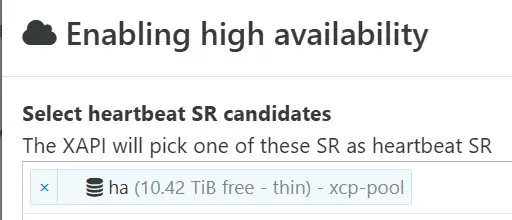
Click the image to enlarge.
The panel does not immediately turn green because enabling HA will execute several configuration tasks that you can follow in the pool activity monitoring menu.
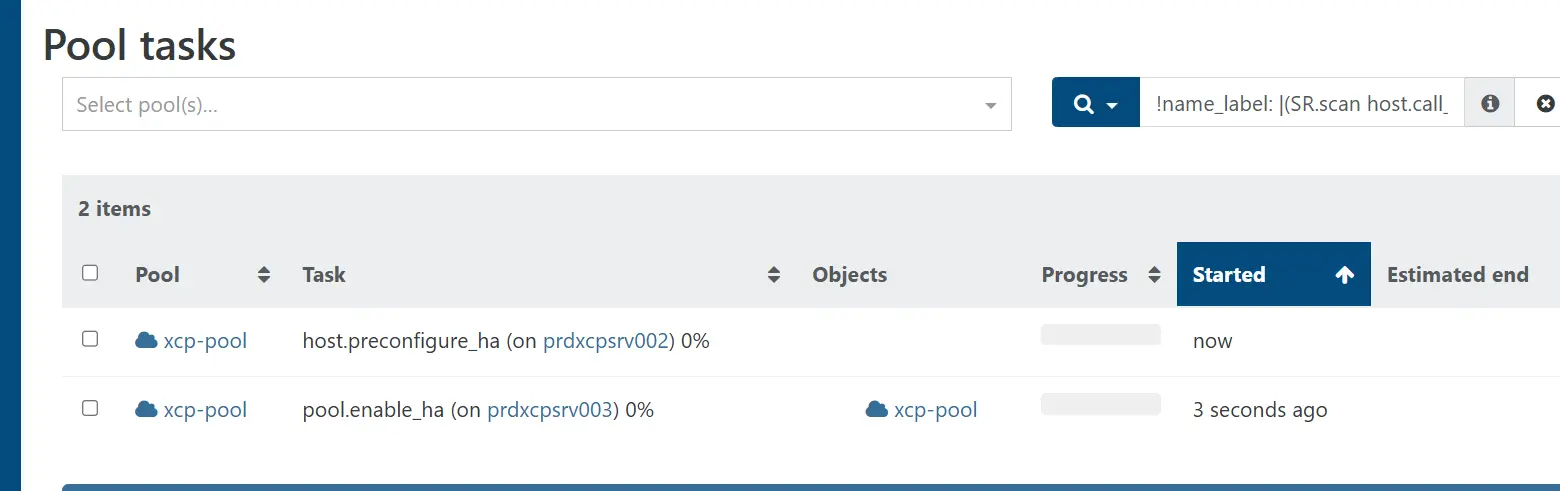
Click the image to enlarge.
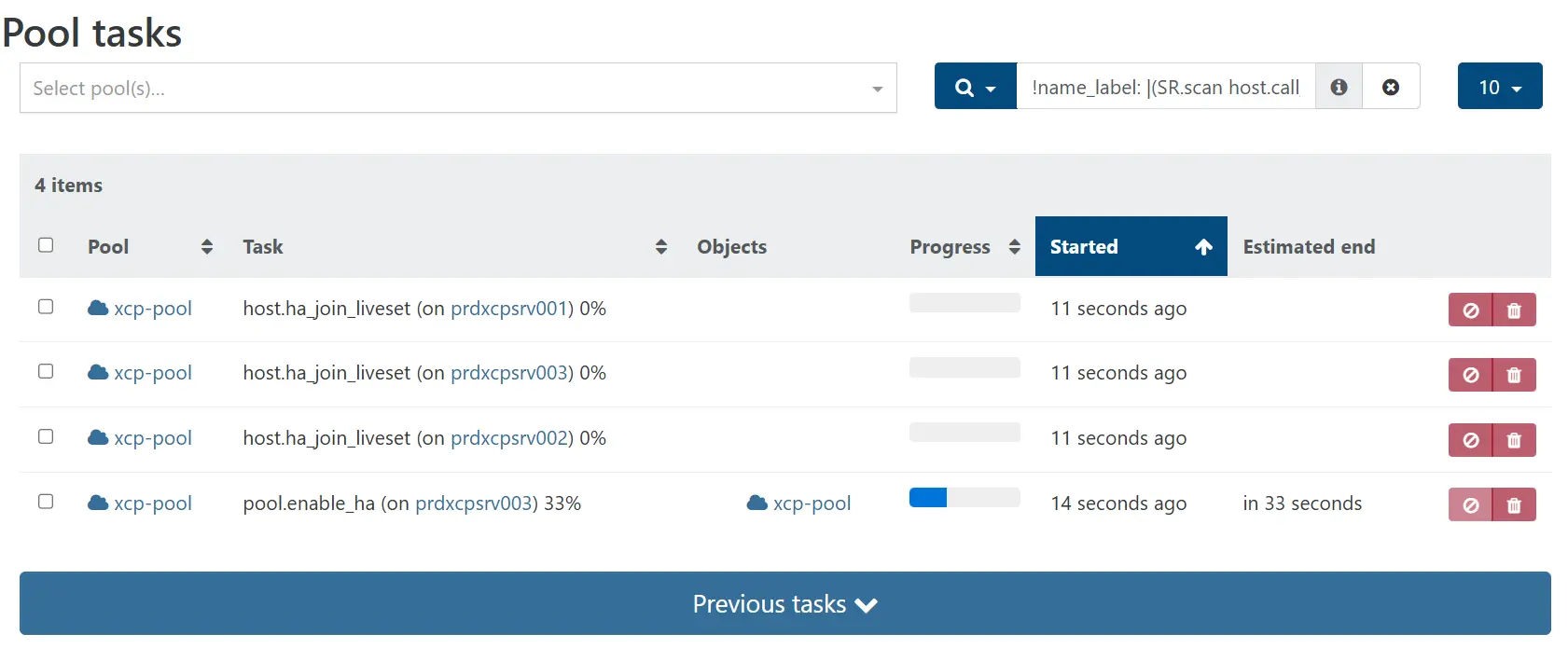
Click the image to enlarge.
Each node must be configured to support HA.
A few seconds later, if you go back to the pool menu, under HA, you will see that it is now active.
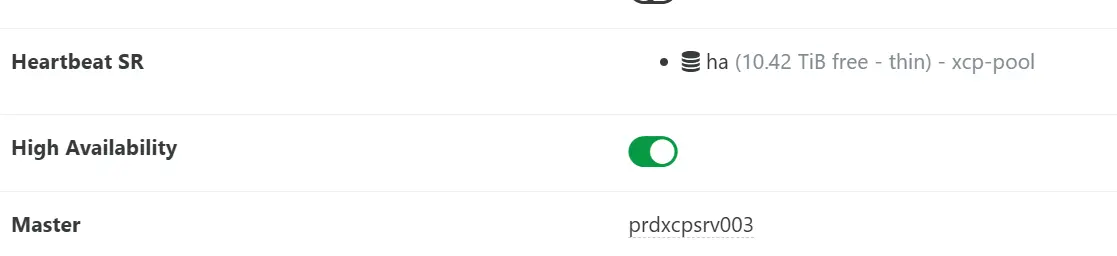
Click the image to enlarge.
Similarly, you can see the creation of items in the NFS folder associated with our SR.
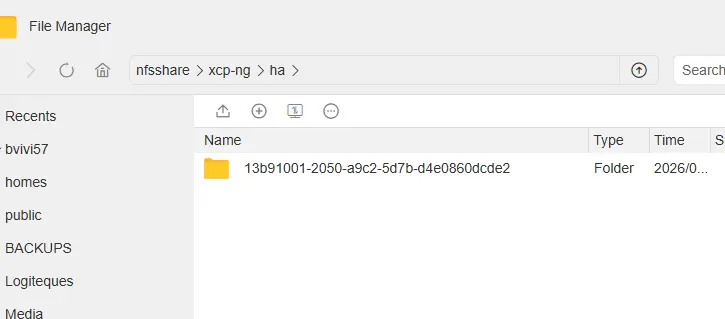
Click the image to enlarge.
Enabling HA at the VM level
Now, we need to specify which VMs should be protected by HA. This is done at the advanced settings level for each VM, to enable the option (we can also take this opportunity to enable auto boot).
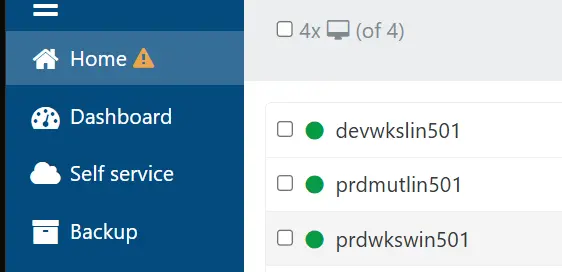
Click the image to enlarge.
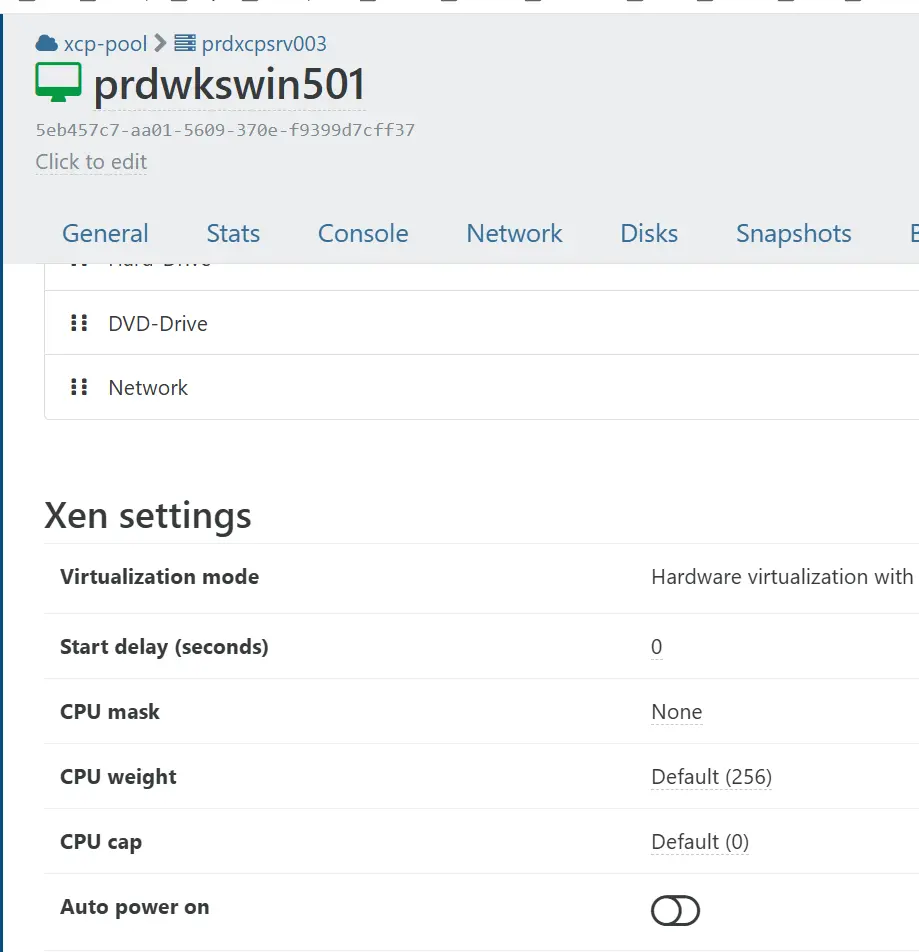
Click the image to enlarge.

Click the image to enlarge.
You can select the level of effort to apply when restarting a VM in case of an incident: either in best effort mode, where the pool will try its best to start the VM without sacrificing performance on the remaining nodes, or restart if you want to ensure that the VM restarts at all costs, even in the event of resource contention.

Click the image to enlarge.
On the XO side, in the GUI version 6.0, you can find this information for each VM. If you want to ensure that a VM survives the loss of the node it is running on, you need to enable HA for that VM and, ideally, auto-start.
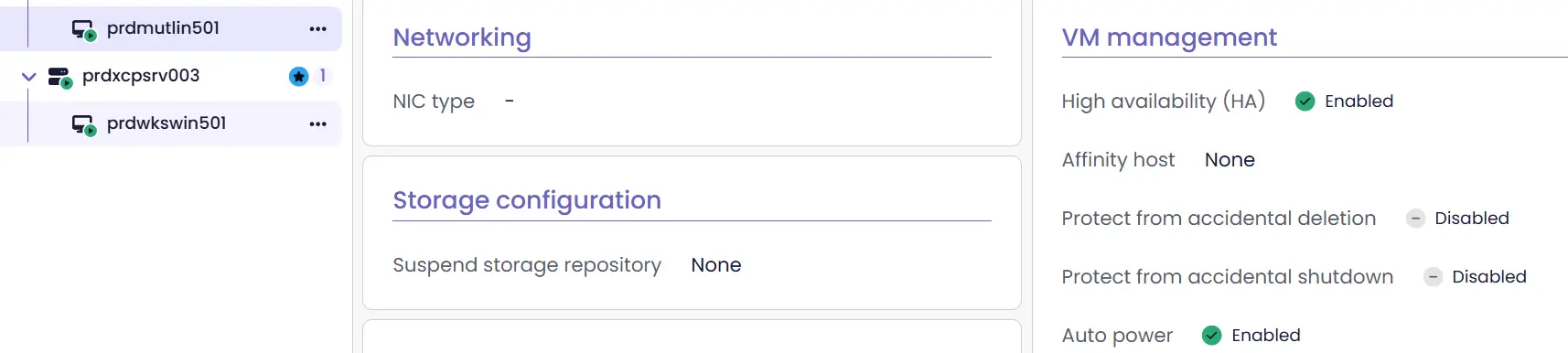
Click the image to enlarge.
Everything is ready; there's nothing left but to test it.
HA testing
Initial state
Before starting the test, let's make sure we understand the state of the pool and identify the critical nodes.
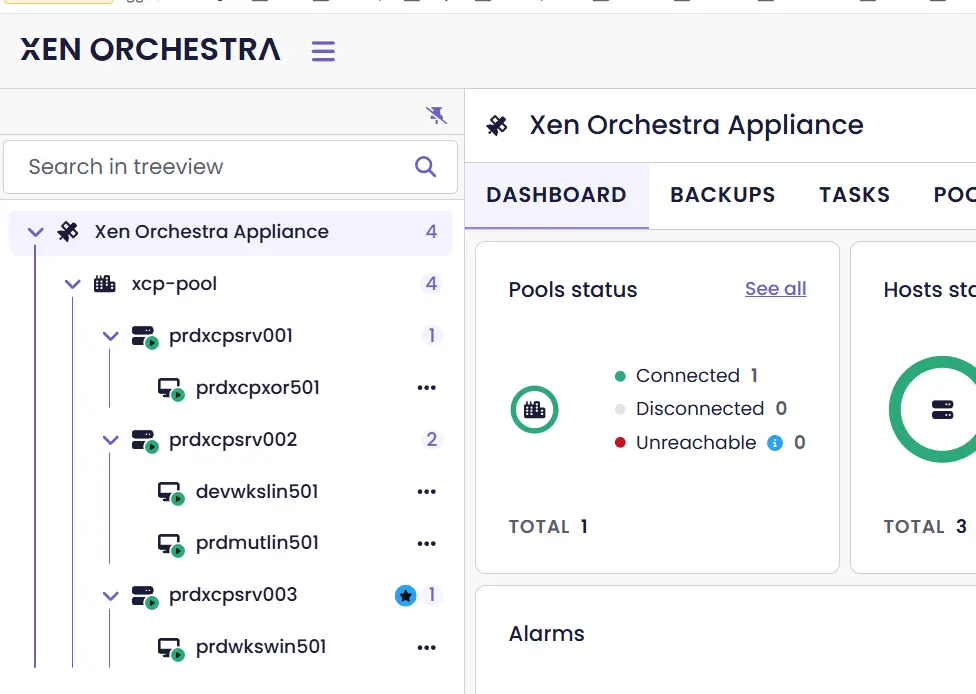
For the pool master, it's simple. You can see it visually in the XO console.
Click the image to enlarge.
Here, it is the server prdxcpsrv003. On the CLI side, by connecting to any server via SSH, you can get the same kind of information using these commands:
MASTER_UUID=$(xe pool-list params=master --minimal)
xe host-list uuid="$MASTER_UUID" params=name-label,address
Click the image to enlarge.
Now, let's look at the XOSTOR side. Since we don't have a GUI in our version of XO, we need to use the CLI. From any machine in the pool, type the following command:
linstor controller which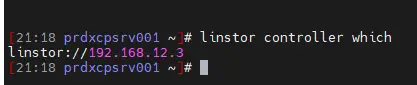
Click the image to enlarge.
This is the IP address of the server prdxcpsrv003 on the storage VLAN that is responding. In this situation, we have both the role of pool master and the primary XOSTOR controller on prdxcpsrv003.
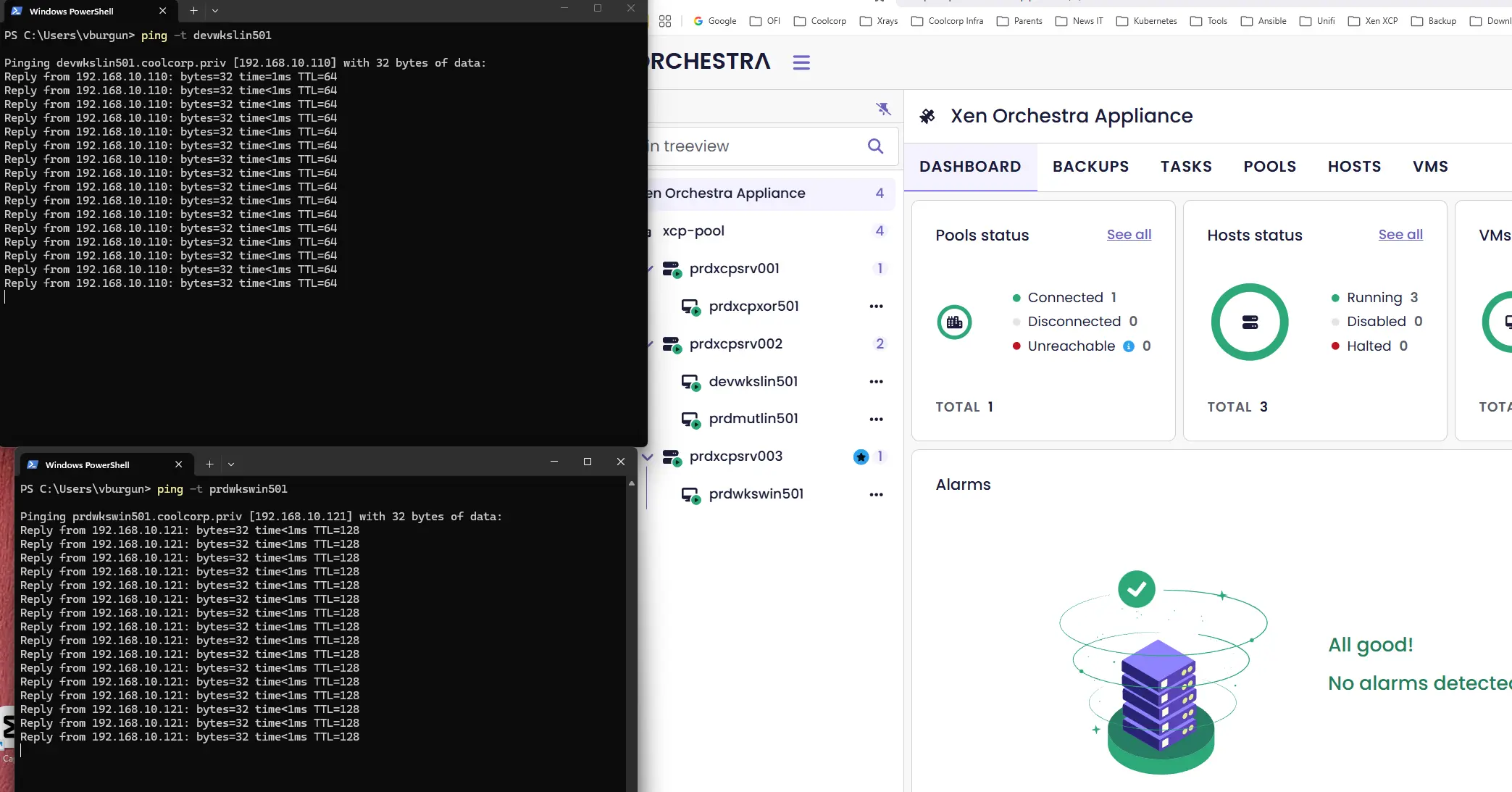
We will now shut down prdxcpsrv003. This is the most critical scenario because two of the most important roles will be lost. To monitor the HA process during the incident, we will continuously ping a VM currently running on prdxcpsrv003 and another on prdxcpsrv002.
Click the image to enlarge.
Loss of the master server and primary controller
Let's perform a hard power-off on prdxcpsrv003.
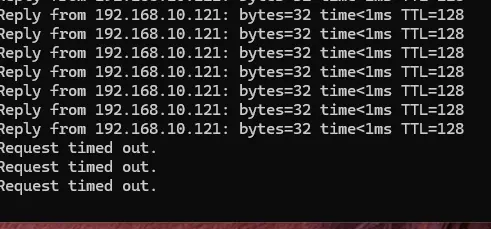
Instantly, we lose ping to the VM that was running on it.
Click the image to enlarge.
XO also loses contact with the pool, which is normal since it was communicating through the master.
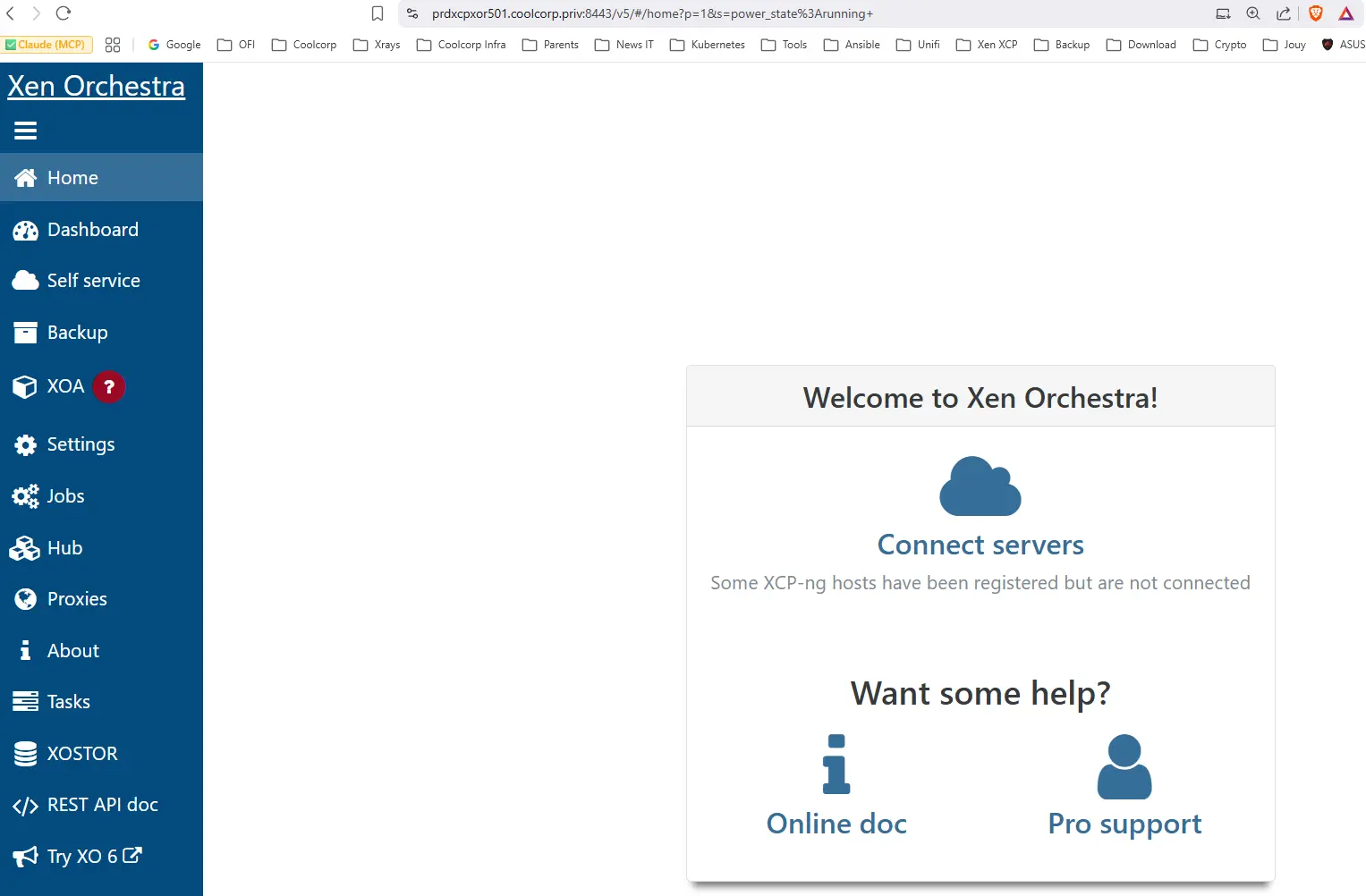
Click the image to enlarge.
Now we need to wait a few minutes for the restart process to take over. In my case, the VM came back online after 2 minutes and 30 seconds.
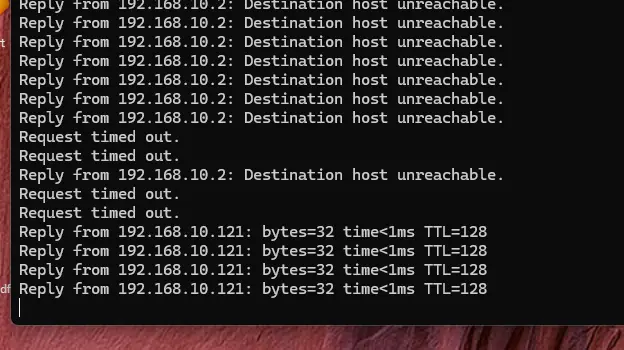
Click the image to enlarge.
However, I had to force the issue with XO by restarting the service to make it contact the new master. Indeed, XO can start waiting for several minutes if it cannot connect to the primary server before trying again... but XO is not essential for HA: once configured, it no longer plays a role.
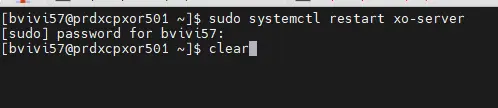
Click the image to enlarge.
Be careful, although XO does not participate in the HA process, its restart can still have an impact in production, especially if automation tasks are running (deployment, backup, migration...). Therefore, it is advisable not to do this during production periods, or to ensure that ongoing tasks will not be affected by a temporary unavailability of XO.
A gentler method is possible via the XO 5.0 interface by going to Setting Server, and clicking on the disconnect button, then reconnect. This will force XO to reconnect to the pool and synchronize with the new master. (Thanks to AtaxyaNetwork from the XCP-ng forum for pointing this out).
After restarting, XO finds a master, in this case prdxcpsrv001. We can see that the affected VM is running on prdxcpsrv001, and prdxcpsrv003 is showing an error.

Click the image to enlarge.
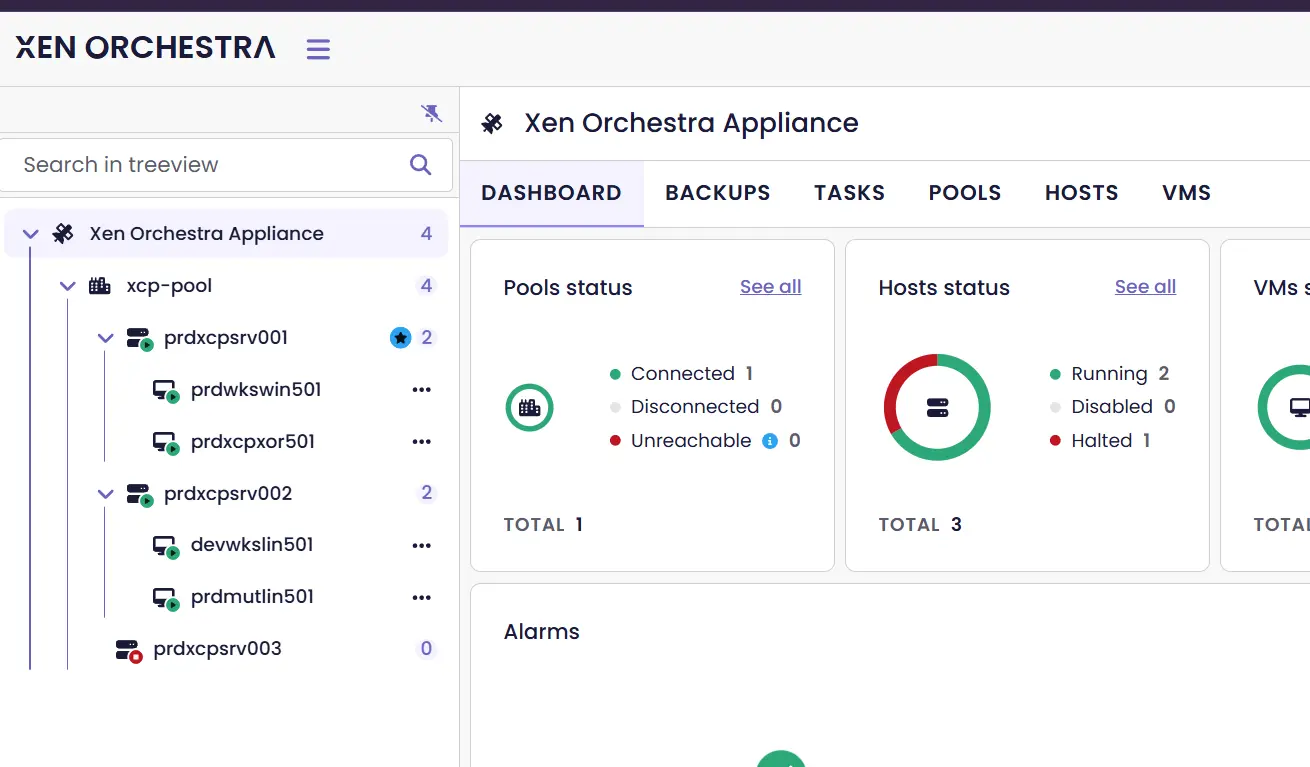
Click the image to enlarge.
Regarding storage, we can clearly see that the faulty server is excluded from the configuration.

Click the image to enlarge.
It is also prdxcpsrv001 that has obtained the role of primary controller.

Click the image to enlarge.
As it stands, the VM affected by the server failure has been restarted, and the others have not been affected.
However, we are no longer able to tolerate an additional failure. If we needed a higher level of resilience, for example, with the acceptable loss of two servers, we would need to increase the number of hypervisors in the pool.
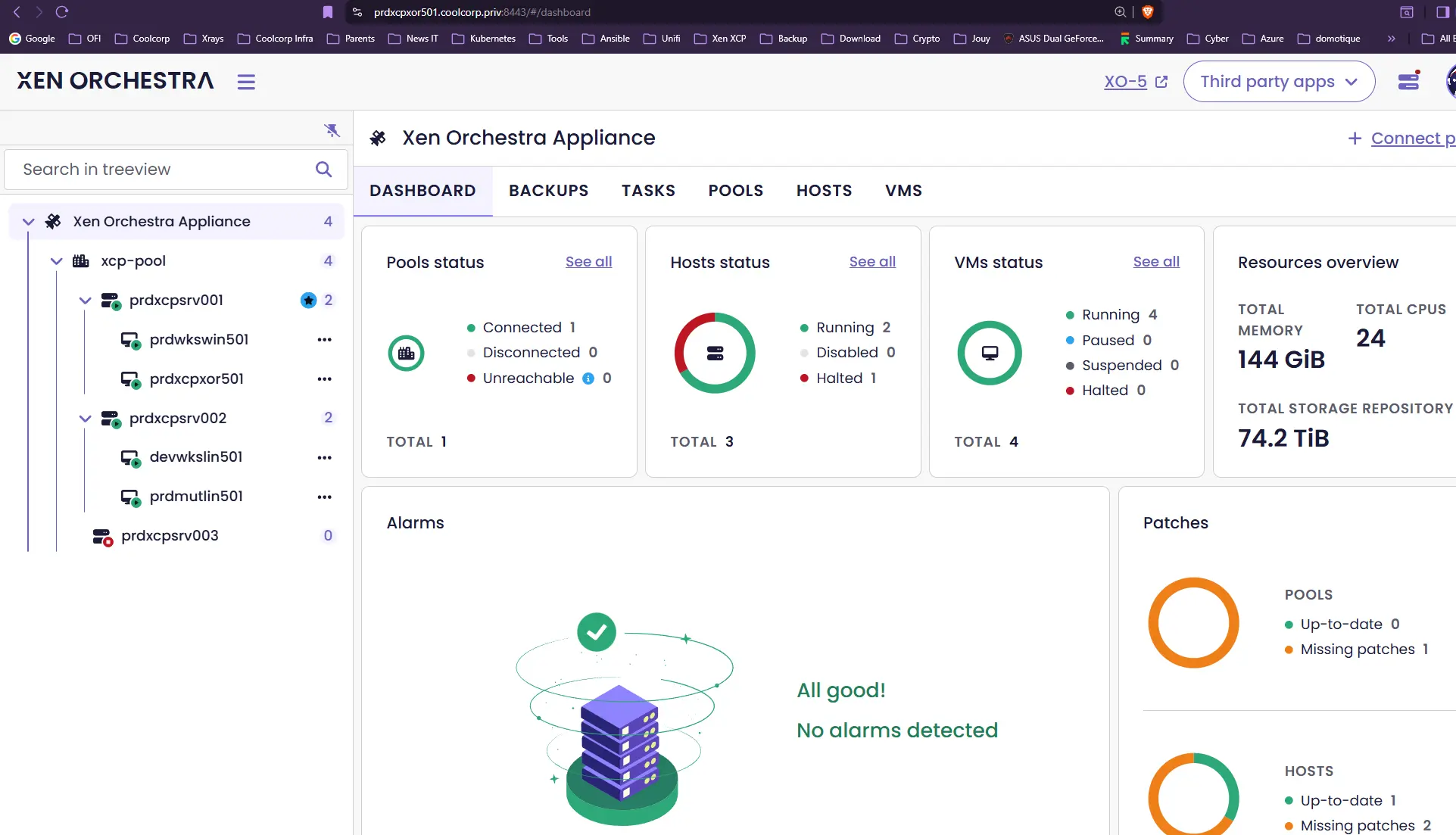
Click the image to enlarge.
Return to normal operation
Let's now bring server prdxcpsrv003 back to life.
A few minutes after this server boots, it reappears as operational in the XO view.
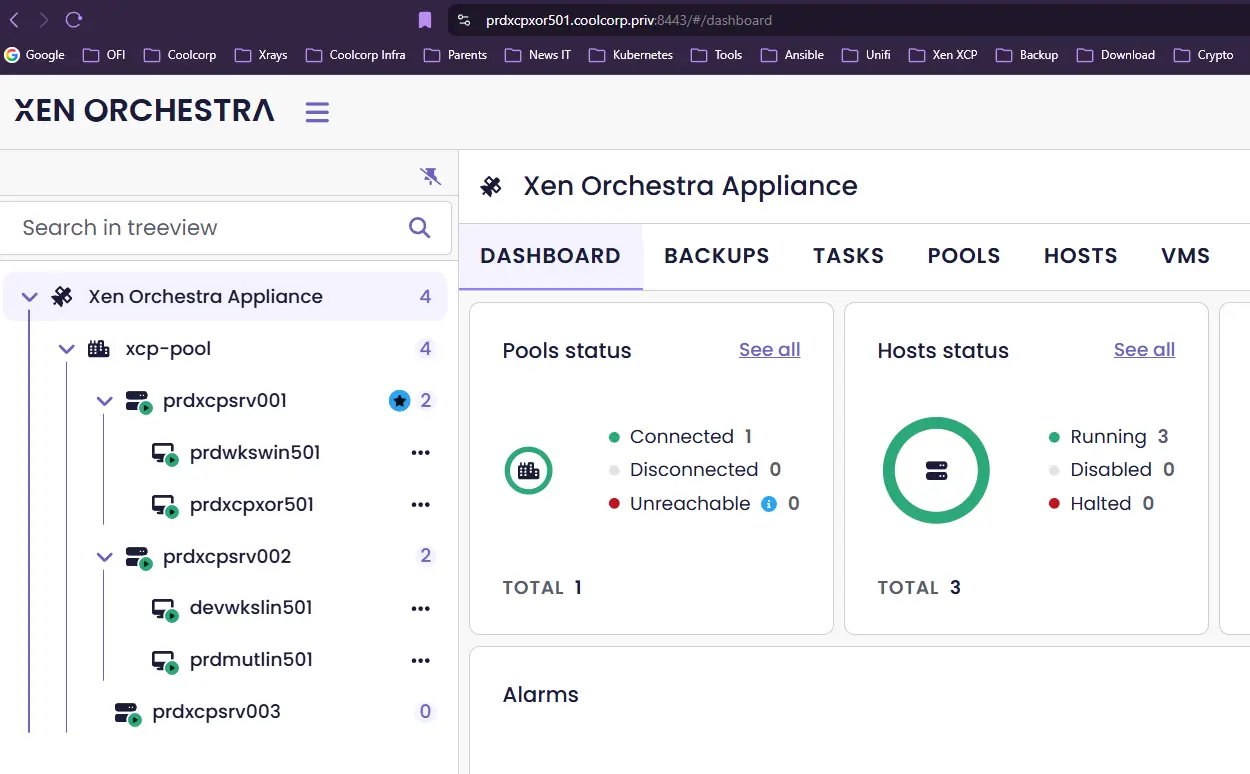
Click the image to enlarge.
Regarding storage, if we recall our verification commands, we also found that it is online:
linstor node list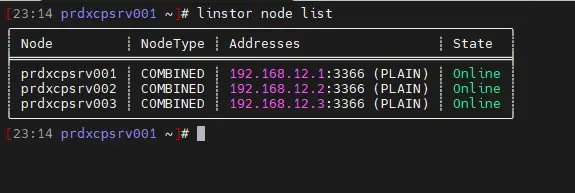
Click the image to enlarge.
Note that, despite this, it may still be necessary to wait a few more minutes for service prdxcpsrv003 to be fully restored. Replication tasks may occur, especially at the XOSTOR level.
It is possible to check the status of replications with the following command:
linstor resource list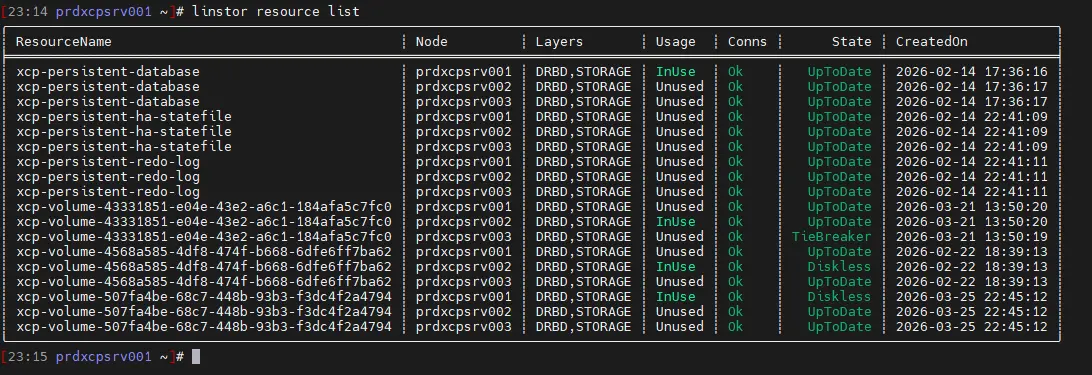
Click the image to enlarge.
Conclusion
We have now reached the end of implementing my home lab in version 2 using XCP-ng.
The Vates ecosystem is probably less well-known and less used than Proxmox as an alternative to VMware, corrupted by Satan, but it certainly deserves closer attention.
XCP-ng, XO, and XOSTOR are perfectly capable of providing a resilient and high-performance infrastructure in professional environments, even for large organizations.
Certainly, the ergonomics and integration still need work, but even features like VMware DRS (Distributed Resource Scheduler) are available as load balancing plugins.
XOSTOR probably cannot compete with VSAN in terms of advanced features, such as deduplication, but its open-source base is very robust.
Personally, I find that the Vates ecosystem reminds me a bit of my early experiences with VMware. We see some common principles, and the presence of XenOrchestra calls for comparison with vCenter.
I had somewhat abandoned my career as an infrastructure engineer because technological advancements and my own desire for professional development led me to other tasks, preferring to delegate the maintenance and upkeep of my company's hypervisors to people more competent than myself. However, regulatory issues and sovereignty criteria are becoming increasingly important, so I remain attentive to alternatives. Returning to basics sometimes does good, and my home lab is a good way to stay connected to this type of need.
I am therefore eager to continue seeing XCP-ng and everything related to it evolve. Version 6.0 of XenOrchestra is very promising, and it's not insignificant that major players in the market like Veeam, after prioritizing their integration with Proxmox, have also announced compatibility with XCP.
Xen, which underlies XCP, no longer has the aura it once had, and this is probably due to the ubiquity of KVM. However, it is still a hypervisor that is under development, reliable, and performant.
Personally, I don't plan to change my approach, and although KubeVirt remains on my radar, I have clearly moved beyond my ESXi, with XCP-ng becoming my new reference for my home lab.
For those interested in performance aspects, especially when comparing to VMware, I invite you to review this section of my previous article about the first version of my lab using XCP-ng, which remains relevant.