Git is life!
- Git has become the standard tool for source code management, and it's useful far beyond development.
- Installing the binaries and generating an SSH key pair for authentication.
- TortoiseGit as a Windows interface and GitLab (cloud offering) to host your repositories.
- Security point: never version secrets and follow source code management policies.
I could be criticized for presenting GIT, especially since it has become THE software for source code management. But it's better to open a door that's already open than to leave it closed.
GIT is extremely powerful and allows you to collaborate with your colleagues.
Although originally intended for developers, it has become a versatile tool that can be used to track your personal developments, synchronize configurations, or version documents.
Basic binaries
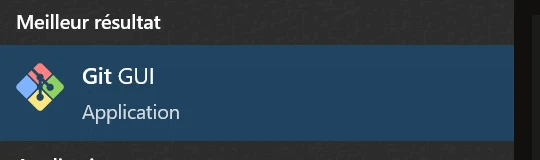
You can download GIT for Windows directly from the official GIT website
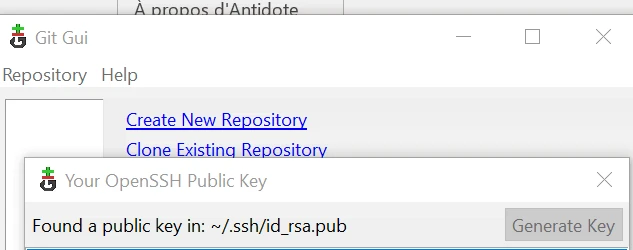
Once installed, generate a private key/public key pair to authenticate with repositories that require it.
Click the image to enlarge.
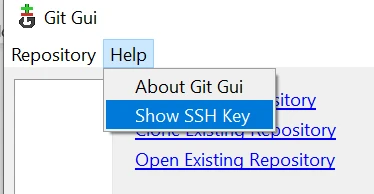
Display your SSH configuration and then generate your keys.
Click the image to enlarge.
Click the image to enlarge.
Be very careful with your private key.
You can also use Puttygen or even the command ssh-keygen under WSL.
It is important to configure GIT at this level and then use its public key on the various repositories that offer it. This will allow you, for example, to use GIT directly from Visual Studio Code.
Tortoise Git
A whole ecosystem revolves around GIT, and while you can use the associated commands as they are, it is recommended to add an interface to it, especially under Windows.
I recommend using the classic Tortoise Git. It's not the most stylish, but having used several tools, I always end up going back to this one on Windows.
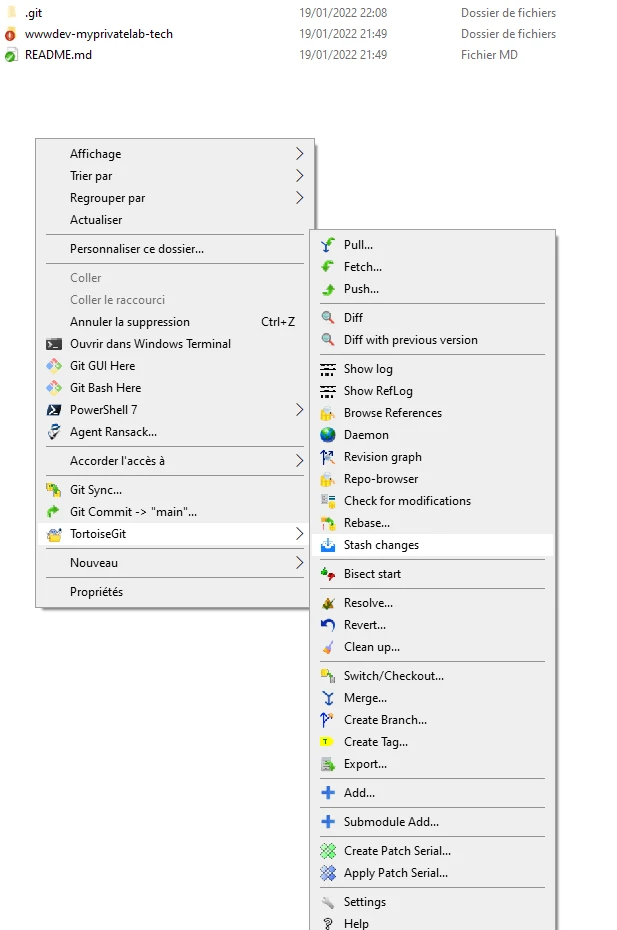
The strength of Tortoise Git is its direct integration into the Windows Explorer interface. Thus, with a simple right-click on your directory structures, you can use git commands such as the famous "pull", "commit", and "push".
Click the image to enlarge.
GitLab
Git and Tortoise Git allow you to interact with a GIT repository hosted on a server in order to synchronize your source code and track its development.
You can also decide to install and deploy your own GIT server solution
Personally, I use GitLab. Some people might criticize it for being a bit complex, as the developers have gradually added more and more features to their product in an attempt to create a complete CI/CD suite
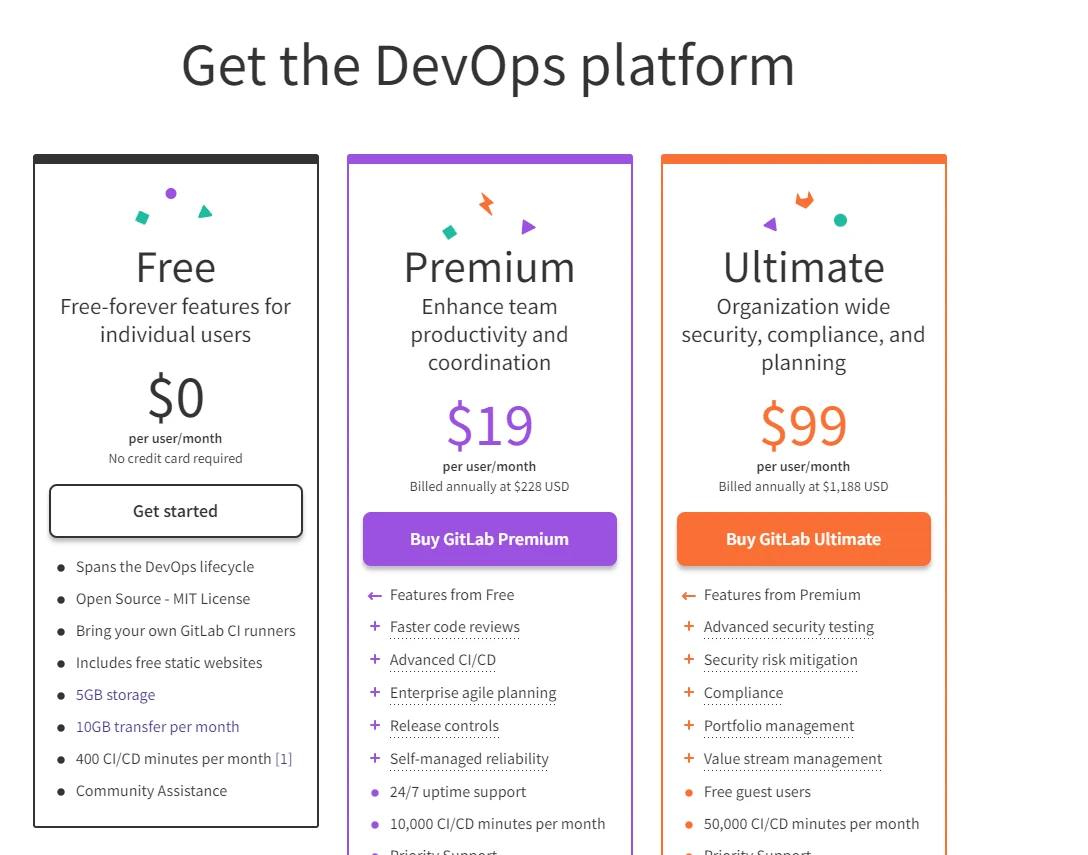
Click the image to enlarge.
However, it is still very powerful and well-integrated with third-party ecosystems. I use its cloud offering, which not only is free for personal use but also allows me to get started immediately.
The winning combination
With TortoiseGIT on your computer and a GitLab account set up, you are ready to write your YAML files and "git" them to track your development progress.
Remember to edit your GitLab profile and add your SSH key so that you can more easily authenticate with your various repositories.
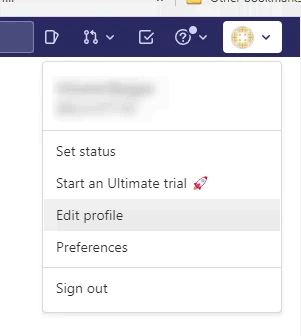
Click the image to enlarge.
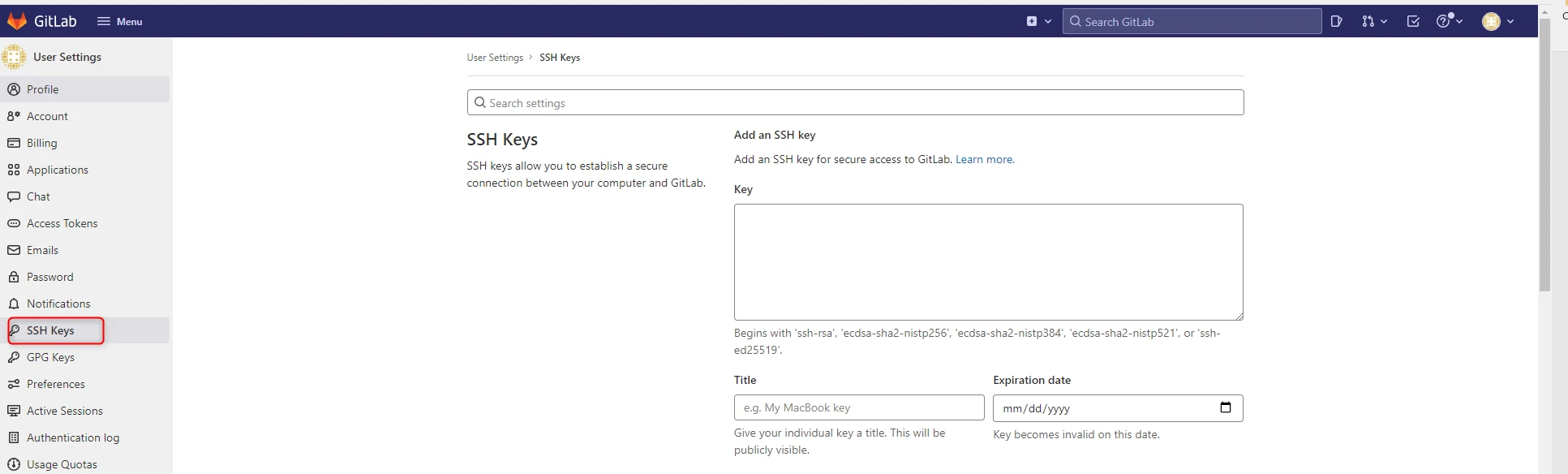
Click the image to enlarge.
Security Considerations
Without cybersecurity, you're outdated; with security, you shine in society... But you don't need to follow the latest trends to know that GIT is a well-known vector for data leaks.
It's easy to be tempted to synchronize everything in your repository, including configuration files with passwords and API keys. And because we like to share, we are often not very precise about assigning access rights to our source code.
I encourage you to be very mindful of the GIT policy and, more broadly, the source code management policy of your company.
There are things that should not be hosted in your code. There is no magic solution; there may be tools to help manage these issues, but the important thing is that you are fully aware of what is in your repositories and who has access to them.